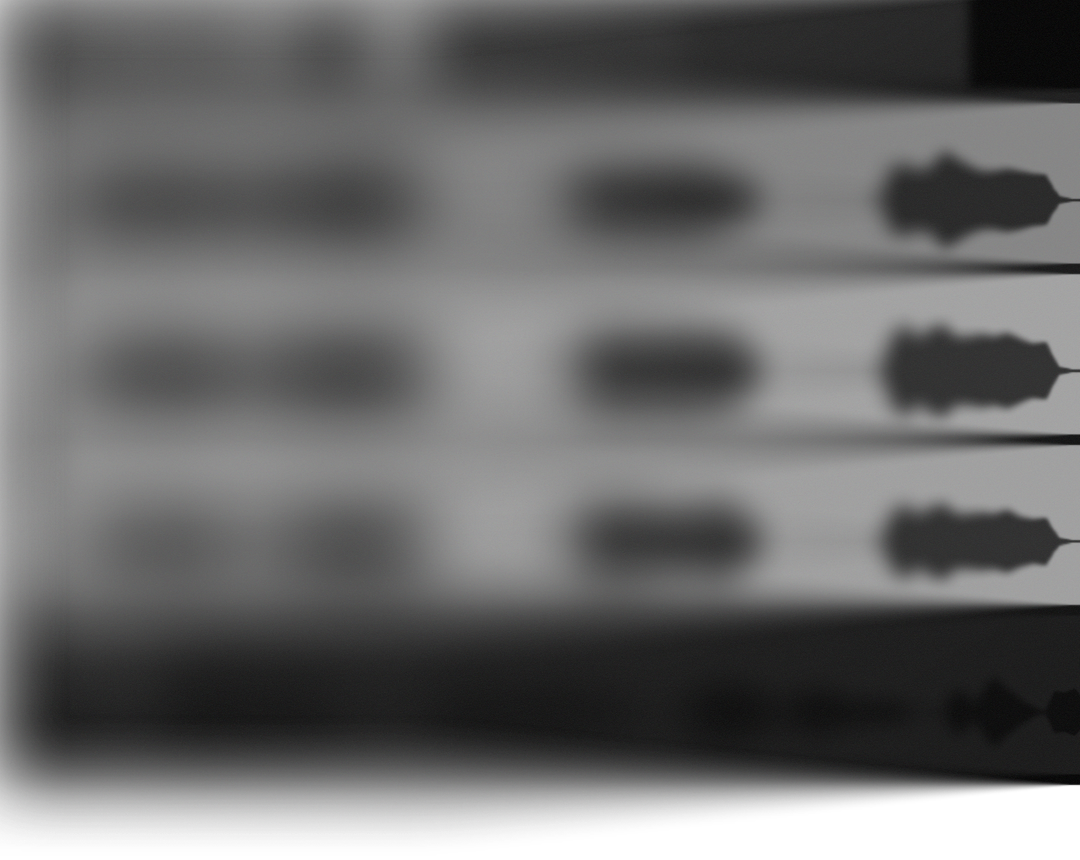
Hear the difference instantly
TrackSnap automatically locks your takes together. No more manual slicing, nudging and guesswork.
Use with ARA compatible DAWs ...
Reaper, Cubase, ...
... and all other popular DAWs
FL Studio, Ableton Live, ...
Feedback from early access users
Try it now
The plugin is available for Windows (VST3) and macOS (VST3/AU).
Stay up to date!
Subscribe to stay informed about new features and offers.
Get in touch
FAQ
TrackSnap supports the following DAWs:
- Ableton
- FL Studio
- Logic Pro
- Studio One
- Reaper
- Cubase
- GarageBand
- ...
The following DAWs are not supported:
- Pro Tools
TrackSnap needs to be set up with side chaining. To do this, go into the plugin settings and select the correct input busses.
Yes. TrackSnap provides an affordable, streamlined alternative workflow for automated vocal alignment. It supports both ARA2-compatible hosts (like Reaper and Cubase) for instant capture and sidechain processing for other popular DAWs (like FL Studio and Ableton Live).
TrackSnap can be removed by deleting the plugin files from your system.
macOS:
- AU: /Library/Audio/Plug-Ins/Components/TrackSnap.component
- VST3: /Library/Audio/Plug-Ins/VST3/TrackSnap.vst3
Note: These locations may be hidden by default
Windows:
- VST3: C:\Program Files\Common Files\VST3 or user defined path
Removing the plugin will not affect your audio files or projects.
You can always cancel your subscription by going into your Account page. The Account page is located on the top right under your avatar.
If you purchased TrackSnap in the last 30 days and changed your mind, you are entitled to a full refund.
Request your refund by going into your Account page. The Account page is located on the top right under your avatar.